Missed calls and texts
The phone rings mid-fade and goes unanswered. Some of those people move on and book somewhere else.
Set up your own online booking, a Google "Book" button, one-tap replies and a "Scan to book" sign, your way, in one afternoon. One payment. Instant download.
Demonstration only. Example shop, prices and times.
Every barber knows the routine: calls and texts keep coming in while you're in the middle of a cut.
The phone rings mid-fade and goes unanswered. Some of those people move on and book somewhere else.
"How much?" "Where are you?" "You take walk-ins?" You type the same answers again and again.
Five messages to agree on one time, plus double bookings and no clear record.
Stopping mid-cut to check your phone breaks your focus and slows the whole day down.
The Kit shows you how to send every client to your booking page, from Google, your QR code and your texts. Your booking app then handles confirmations and reminders for you.
Your booking page shows your real services, prices and open times. Clients reach it from Google, your QR code or a text.
Save your best replies on your phone as shortcuts. Type a short code and the full answer appears, with your booking link.
Turn on your booking app's confirmations and reminders, where your app and plan support them. The Kit shows the settings to use.
This is what your setup looks like once you've followed the Kit. Pick how a client finds your shop, then book the way they would.
Clear photos, names, prices and times make it easier for clients to choose. The Kit shows you how to build a menu that looks sharp on any phone.
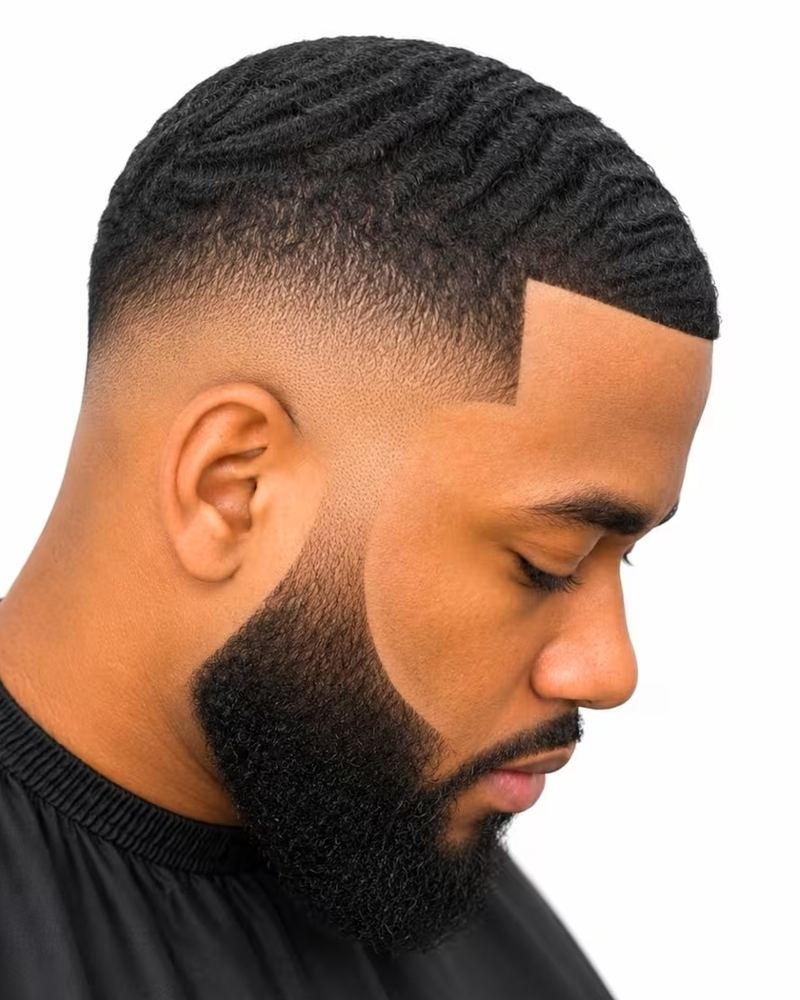
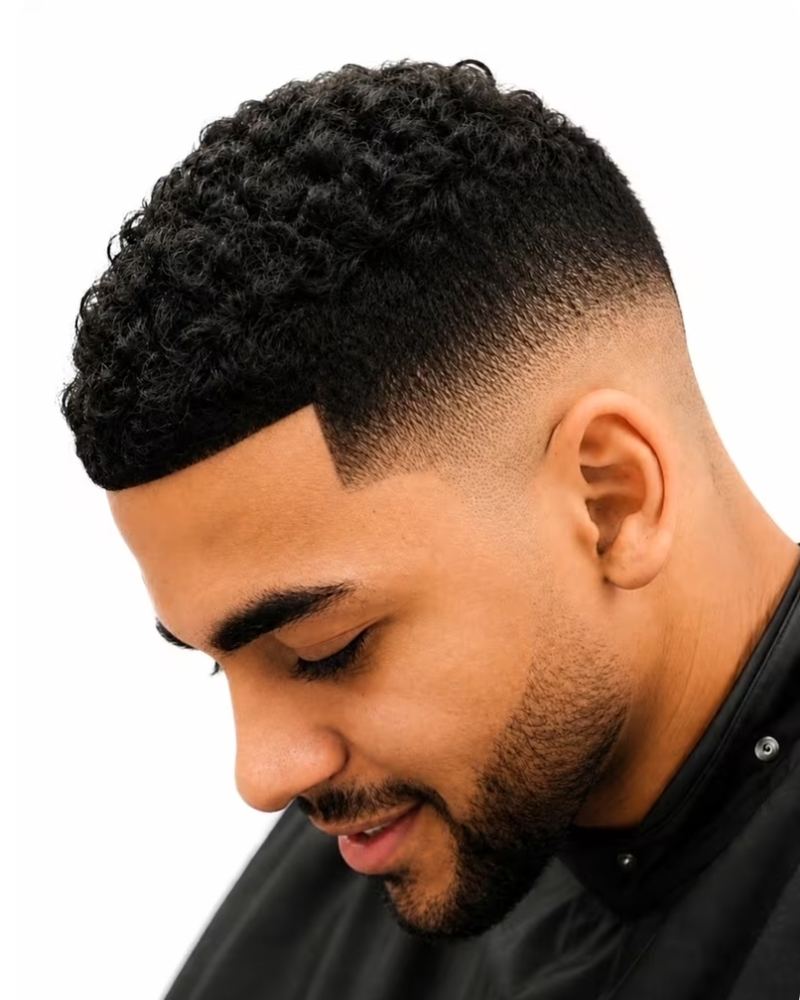

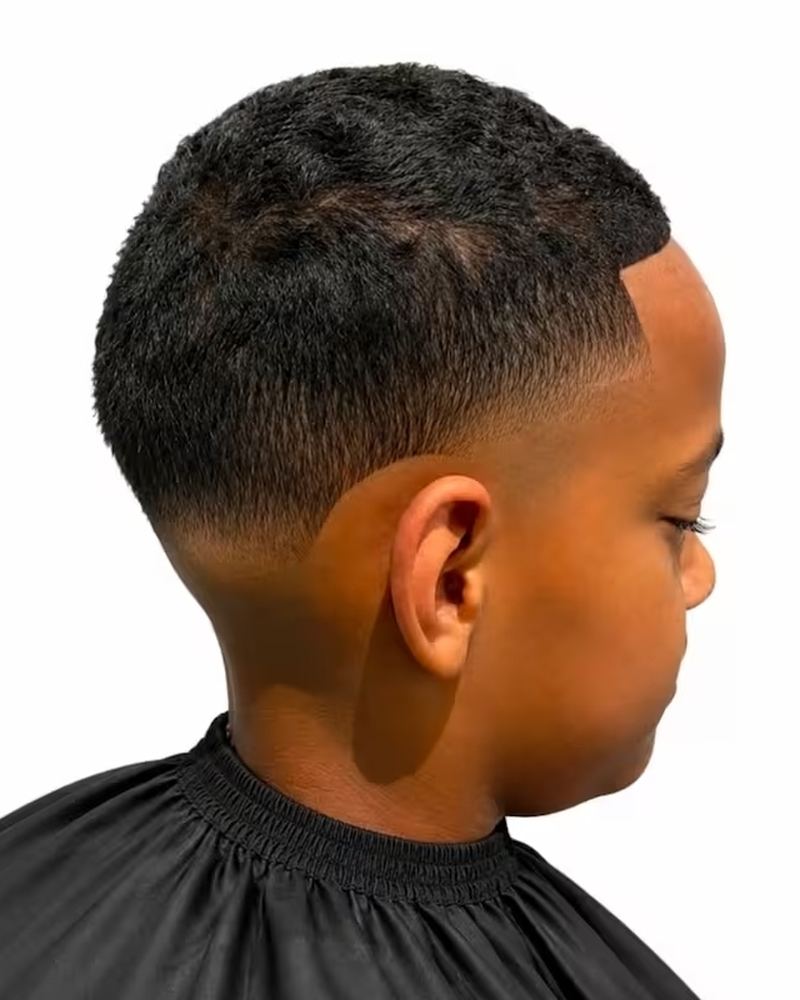
Example service menu. Your booking page uses your own photos, services and prices.
A step-by-step guide, plus a private setup page that fills in your replies, policies and QR sign with your own shop details.
Choose a booking app, build your service menu, set your booking rules and turn on reminders, step by step.
GuideHow to add your booking link to your Google Business Profile, so people searching "barber near me" can book straight away.
GuideHow to save replies as text shortcuts on iPhone or Android, so the full answer appears when you type a short code.
GuideType your shop details once and all 25 replies fill in with your prices, hours and booking link. Edit any word, then copy.
Setup pageCancellations, no-shows, late arrivals, deposits, kids and walk-ins, written with your own rules. Copy or print.
Setup pageYour own QR code and sign, made from your booking link, in a dark or light style. Download or print it straight away.
Setup pageChairReply is independent. We aren't affiliated with, endorsed by or the developer of any booking app or of Google. Product names belong to their owners, and features vary by app and plan.
Pay $49 securely with PayPal or card. No subscription and no account to create.
About 1 minuteYour download and your personal access key arrive by email straight away.
InstantType in your shop details, change any wording you like, and follow the guide in your own booking app.
About one afternoonClients find your booking link on Google, your QR sign and your texts, and book themselves.
From day one Instant download
Secure checkout. Your download is emailed straight away. Booking-app fees, card processing and text-reminder charges are separate, where your app has them.
Everything happens in your own accounts, in your own words, at your own pace. No one logs into your booking app, and nothing goes out without you.
Send us a message and we'll reply by email.
Set it up your way this week, and stop answering the same questions mid-fade.
Last updated:
This policy explains what information ChairReply ("we", "us") collects through this website and the Booking Kit, how we use it, and the choices you have.
The shop details you type on the Kit's setup page are saved only in your own browser, on your own device. They aren't sent to us or to anyone else. You can delete them at any time with the "Start over" button or by clearing your browser data.
We don't sell your personal information, and we don't send marketing messages without your permission.
We share information only with service providers that help us run the business (for example, our website host, form-handling and checkout providers), when required by law, or with your permission.
We keep purchase records as long as needed for legal, tax and record-keeping purposes. Contact messages are deleted within 12 months unless they're part of a purchase.
You can ask to see, correct or delete the personal information we hold about you by using the contact form on this website.
We may update this policy. The date at the top shows when it was last changed.
Last updated:
The ChairReply Booking Kit is a digital product. It includes a downloadable PDF guide and a personal access key for an online setup page that creates text templates, shop policies, a service menu and a QR code sign from details you enter.
ChairReply is independent. We don't own or develop any booking app, and we aren't affiliated with or endorsed by Google or any booking-app provider. We don't log into or change your accounts. You set everything up yourself.
$49 USD, paid once. There are no subscriptions or recurring charges from ChairReply. Booking-app subscriptions, booking or card-processing fees and text-reminder charges, where they apply, are billed by those providers directly to you.
You may use the Kit, the setup page and everything it creates for your own barbershop or barbering business, including printing your own sign and editing the templates. Your access key is personal and works on up to 3 of your own devices. You may not resell, share, publish or give away the Kit, the PDF or your access key. PDFs are marked with the buyer's email. We may turn off a key that has been shared, and keys are turned off automatically if a purchase is refunded.
The Kit is delivered by email immediately after payment. Because it's an instant digital download, all sales are final, except where the law requires otherwise. If your download or setup page doesn't work, contact us and we'll fix it or send it again.
You're responsible for your own accounts, settings, prices and policies, including making sure any fees or deposits you charge follow your booking app's rules and your local laws. The policy templates are a starting point, not legal advice.
Booking apps and Google change their menus and features over time, so some steps may look different. We don't guarantee any number of bookings or customers, or the operation of third-party software.
To the extent permitted by law, our total liability for any claim relating to the Kit is limited to the amount you paid for it.
We may update these terms. The version in place when you bought the Kit applies to your purchase.